
Keep All Client Info Ready in One Place
Store all client information, communications, and payment history in one place. Reuse details for new invoices to save time and
stay organized effortlessly.
How Client Management Works in Mundoeditora?
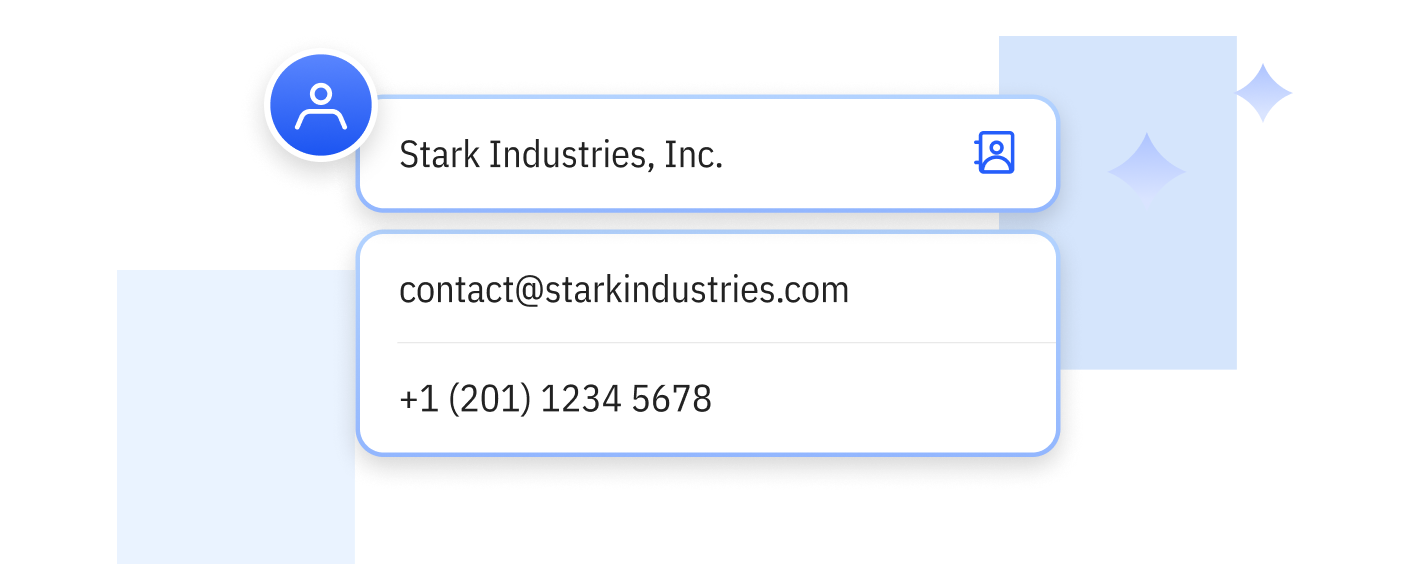
Reuse Client Information Instantly
Save client data once and use it again for future invoices—no repetitive typing, no wasted time.
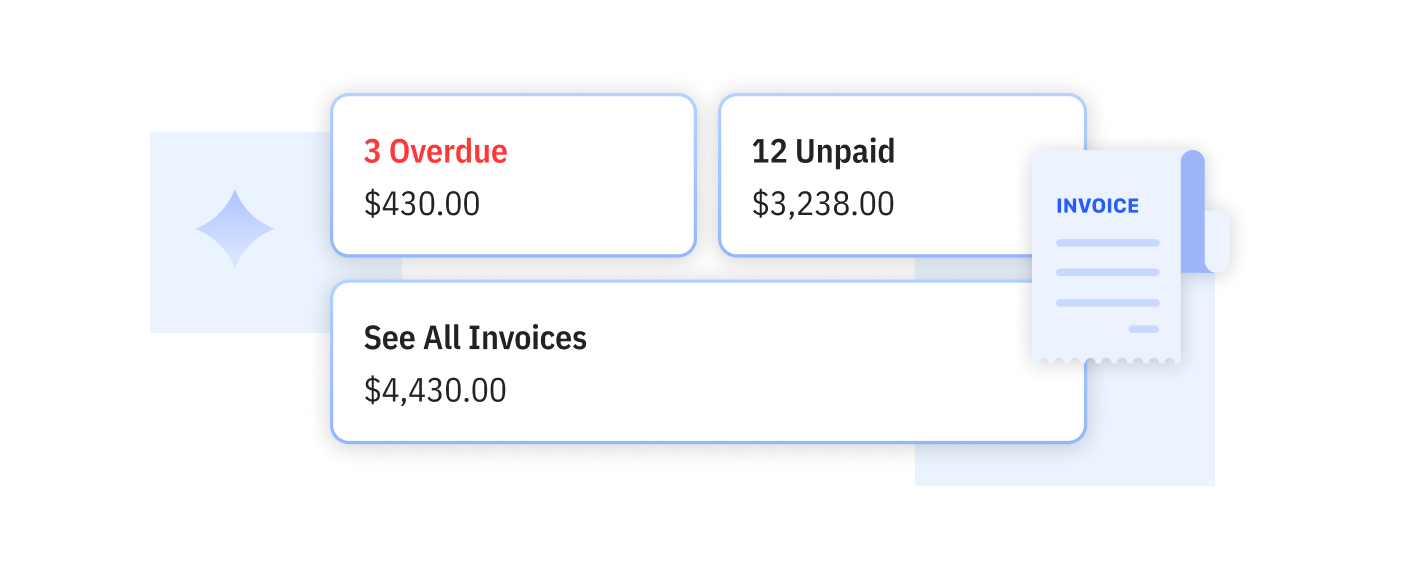
View Client Invoice Summary
See a complete overview of each client’s invoices and payment status. Know their history before you send the next invoice.
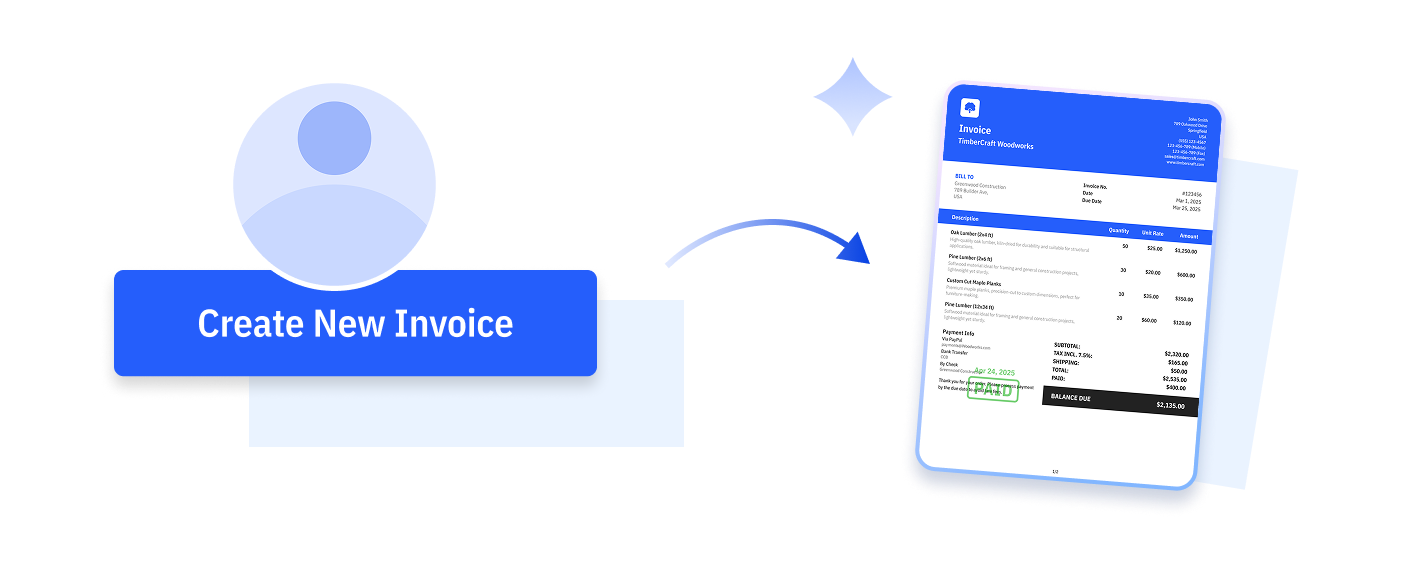
Create Invoices from the Client Page
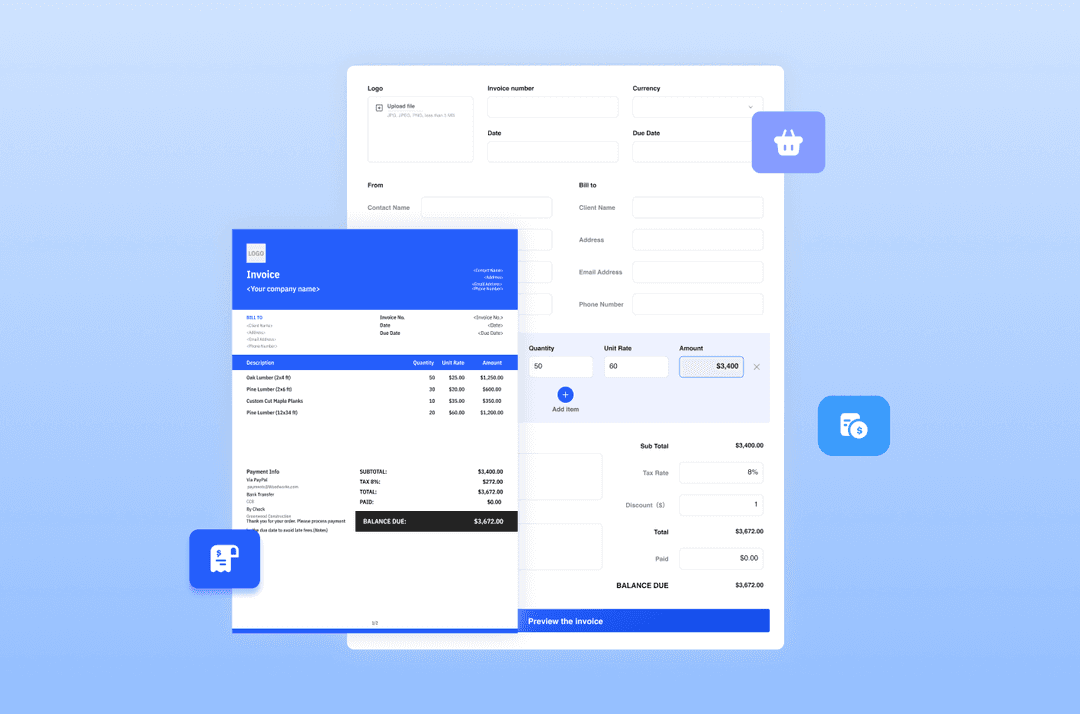
Generate a new invoice directly from the client profile. Save time by reusing stored details automatically.
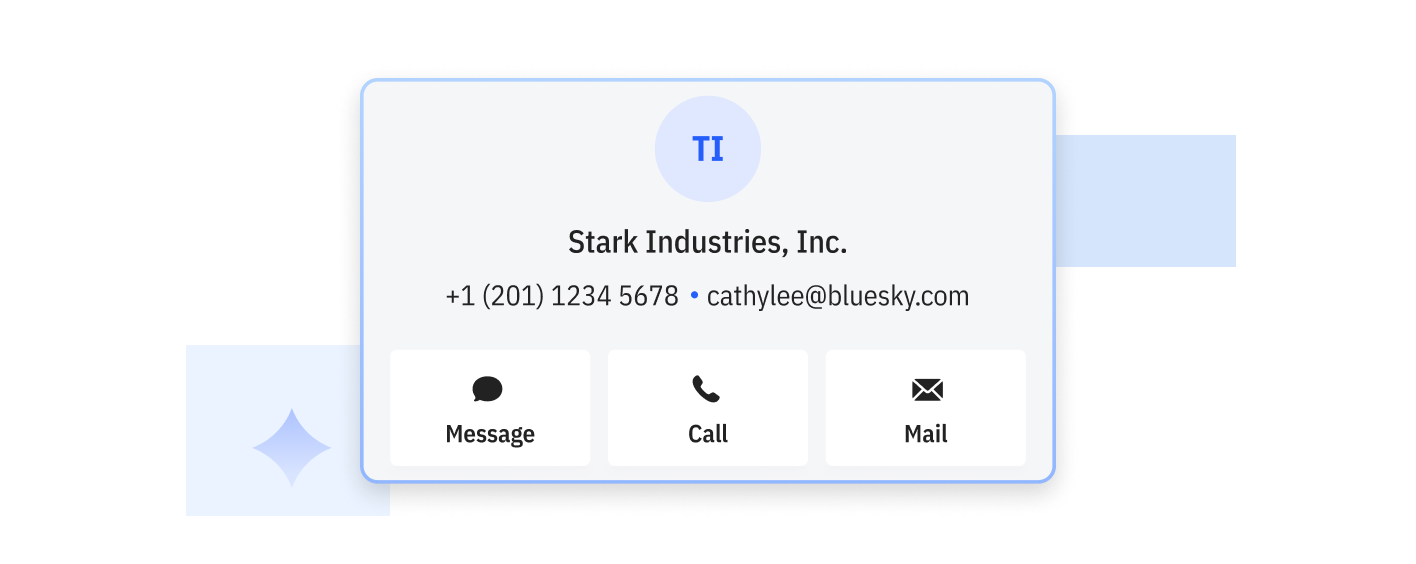
Manage Detailed Client Profiles
Store contact details, addresses, tax info, and custom fields for every client. Keep everything organized and easy to access.

Keep All Client Information Organized
Access invoice history, payment records, and contact details in one place, making it easy to manage more clients as your business grows.
Provide Faster, More Professional Service
When clients ask about past jobs or payments, you can respond quickly with accurate information, helping you build trust and long-term relationships.


Save Time Every Time You Create an Invoice
Store client details once and reuse them instantly. No more retyping names, addresses, or tax information each time you send a bill.
Do More with Mundoeditora’s Free Resources
Start by generating invoices with our Free Invoice Generator, explore free online tools, and discover tips to manage
and grow your small business.

Try Mundoeditora Today
Start Sending Invoices, Building Reports, Saving Office
Time and Get Paid Faster.