
Handle Refunds & Adjustments Quickly
with Credit Memo
Quickly issue refunds or adjust invoices without confusion. Keep your accounts accurate and clients happy while avoiding messy
paperwork or manual corrections.
How Credit Memo Works in Mundoeditora?
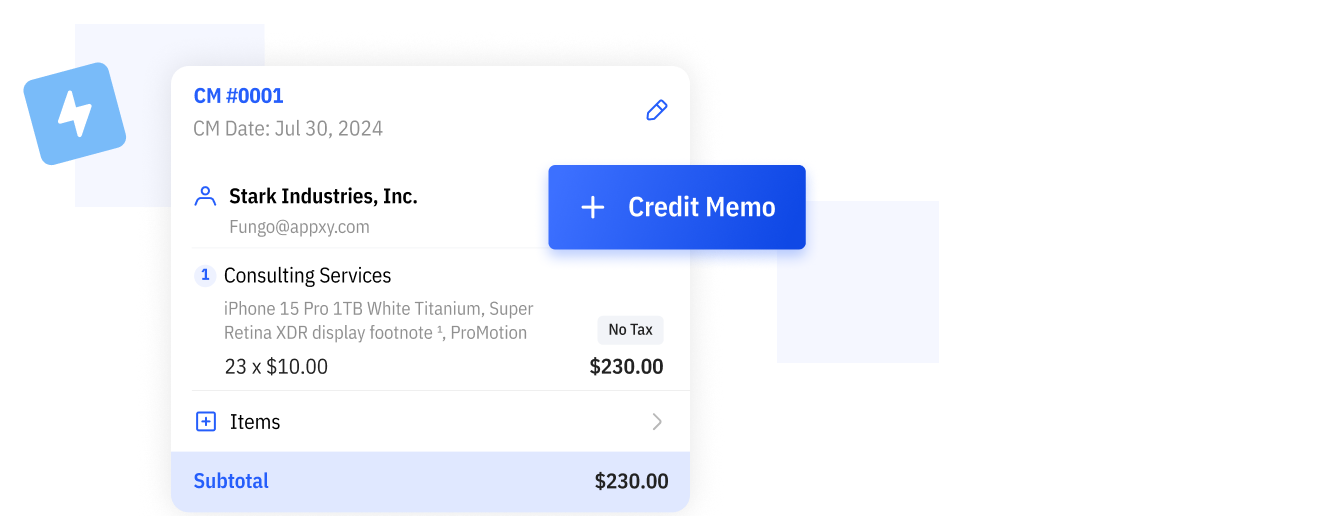
Create Credit Memos in Seconds
Generate a credit memo quickly whenever you need to issue a refund or correct a mistake. No complicated steps or manual calculations.
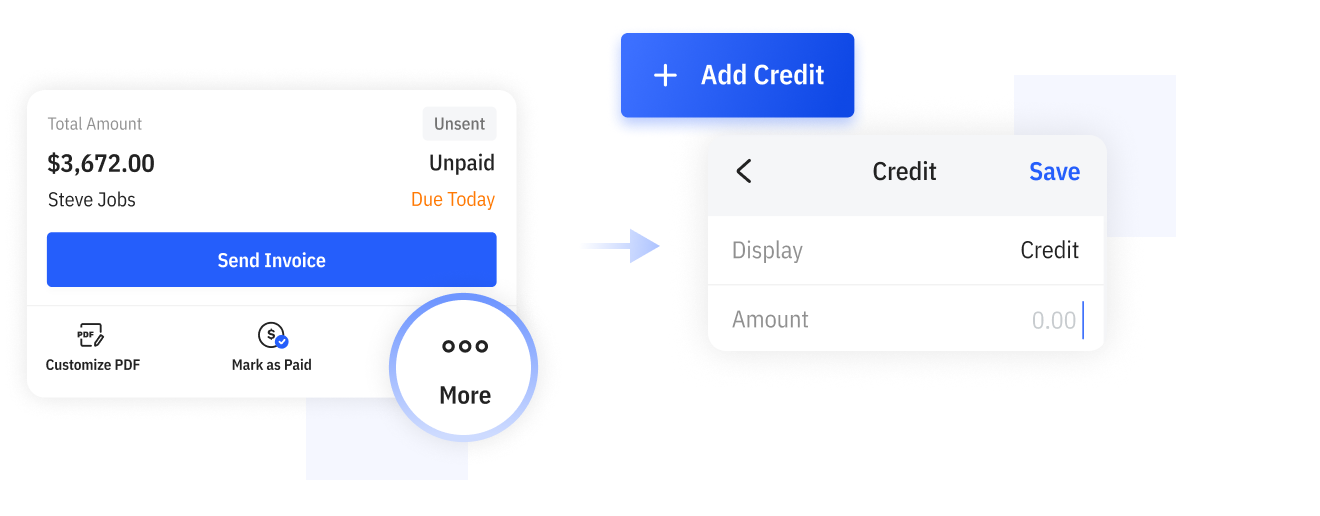
Apply Credits to Invoices
Add credits directly to existing invoices to reduce balances accurately. Keep everything clearly documented and organized.

Keep Your Financial Records Accurate
By properly applying credits to invoices, your revenue, profit, and reports remain accurate—so you always know the true financial position of your business.
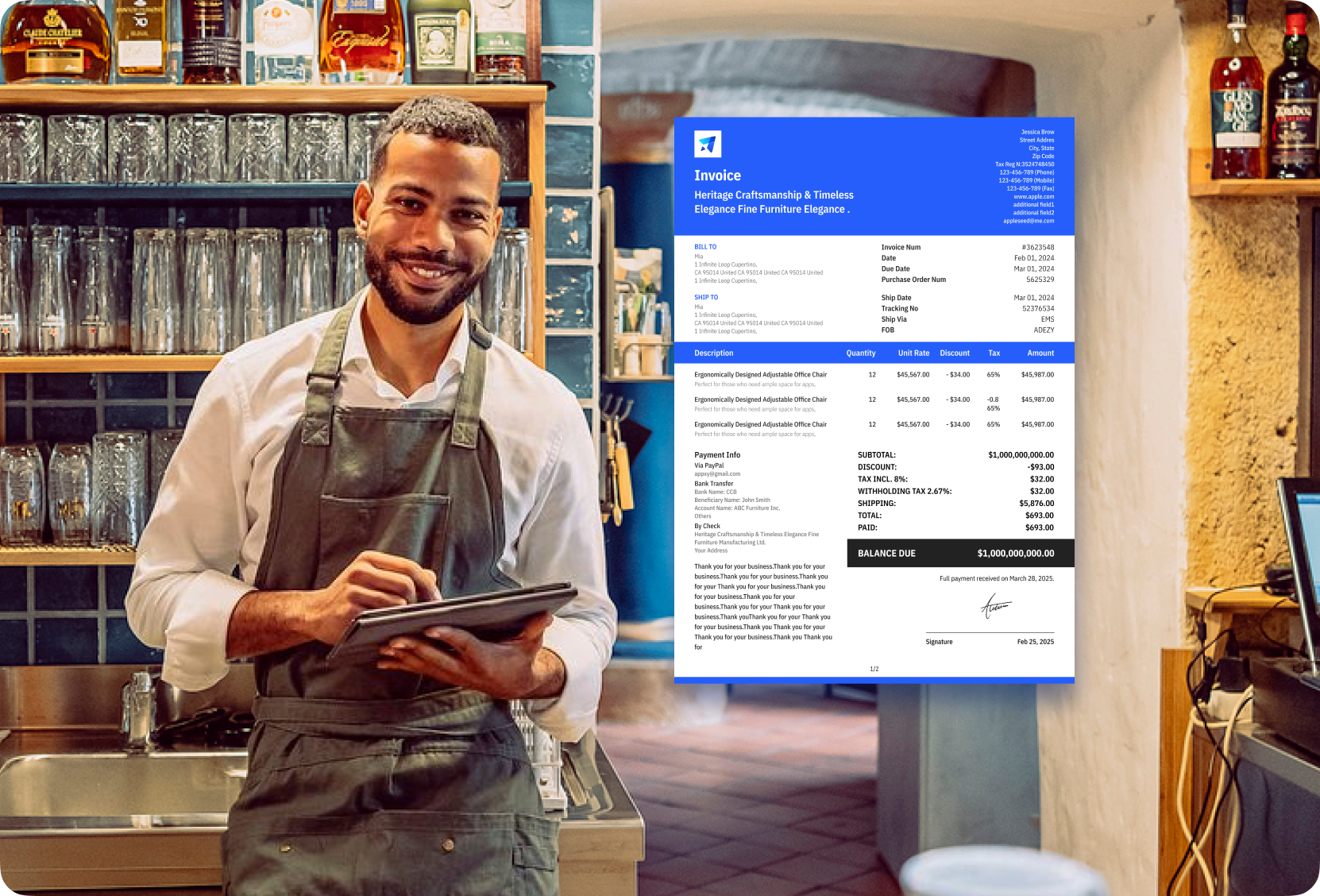
Handle Refunds in a Professional Way
When a job changes or a refund is needed, provide proper documentation that shows exactly what was adjusted. This builds trust and keeps transactions clear for both sides.
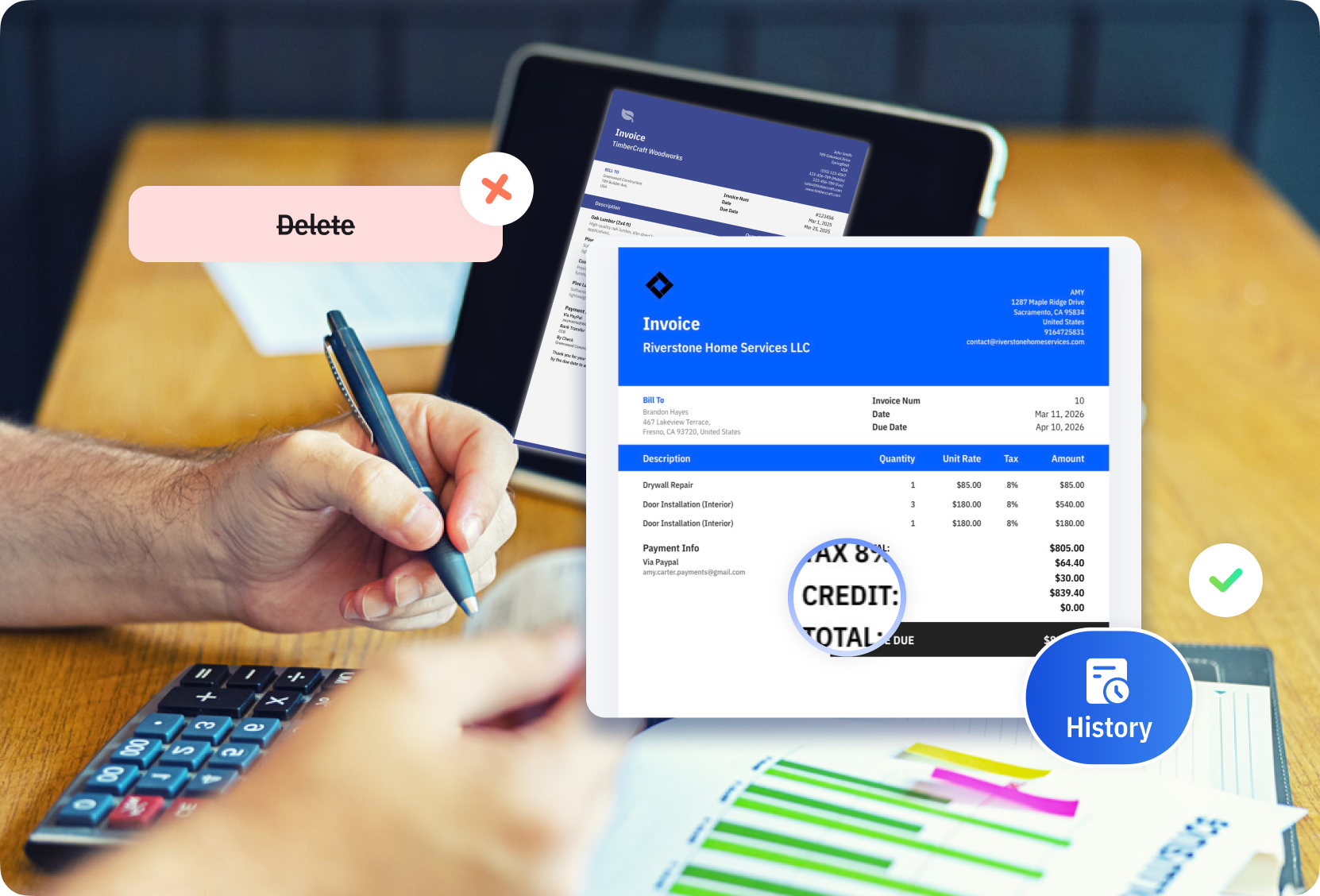
Fix Billing Errors Without Creating Confusion
If you overcharge, need to adjust pricing, or correct a mistake, issue a credit memo cleanly without deleting or rewriting invoices, keeping your records organized and transparent.
Do More with Mundoeditora’s Free Resources
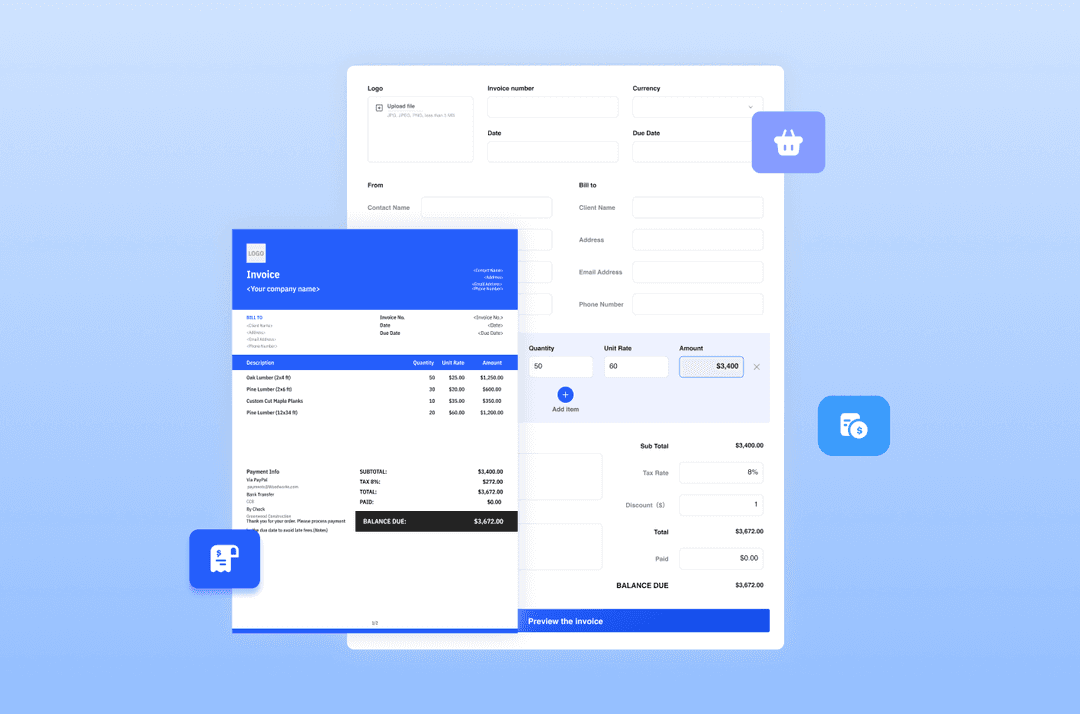
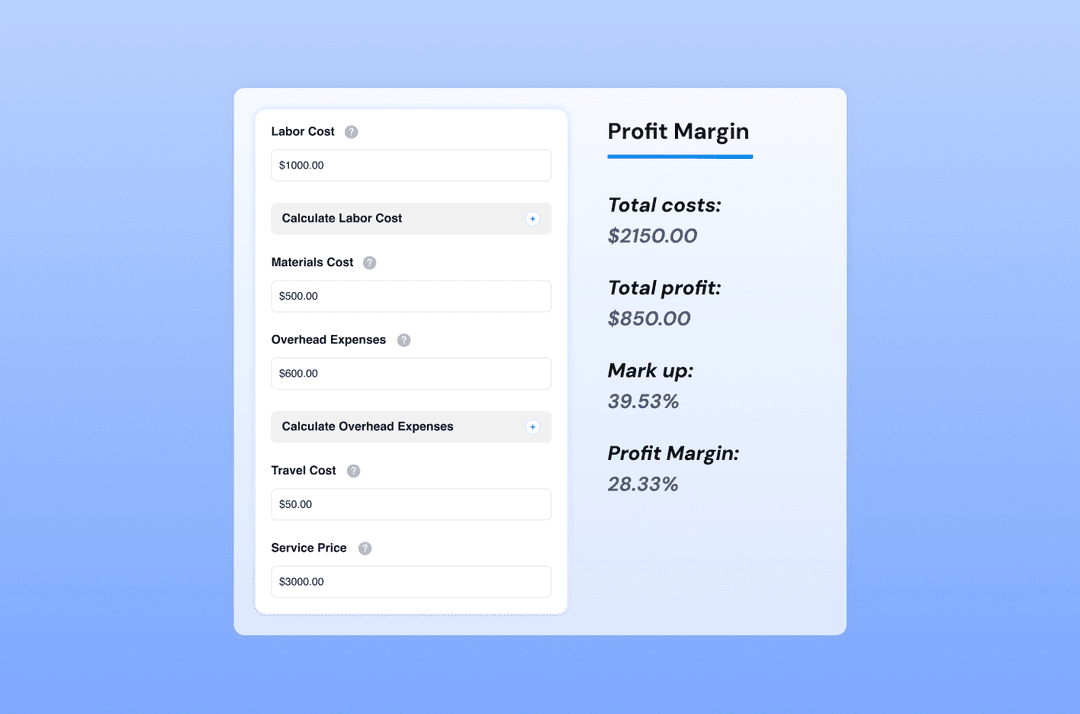
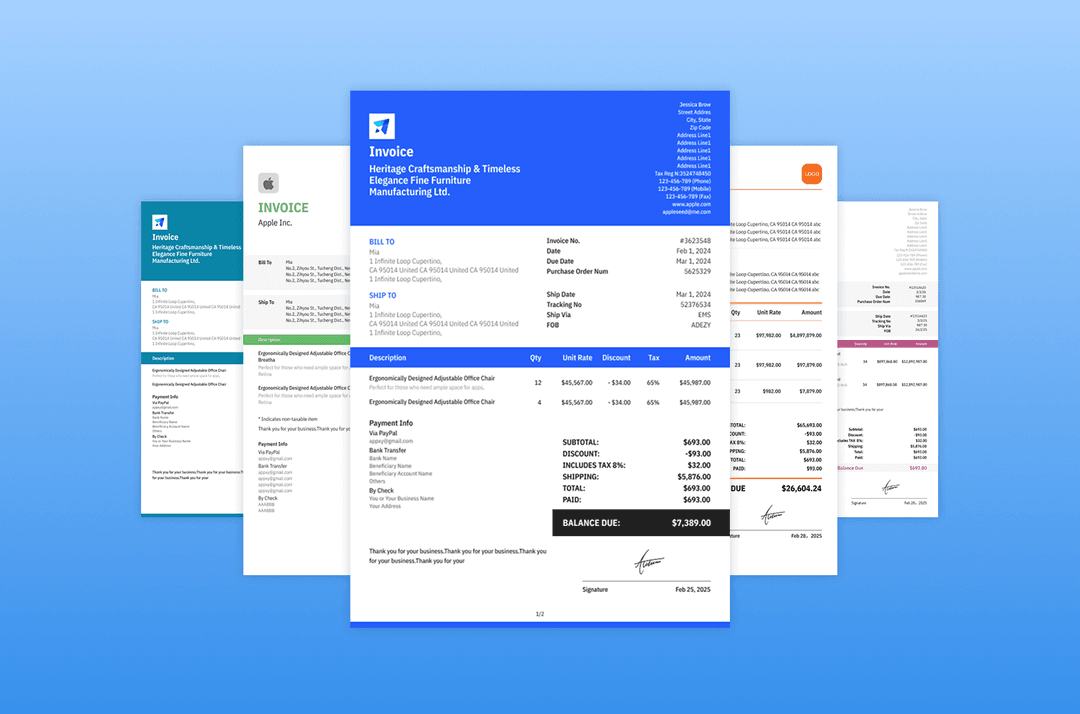
Start by generating invoices with our Free Invoice Generator, explore free online tools, and discover tips to manage
and grow your small business.

Try Mundoeditora Today
Start Sending Invoices, Building Reports, Saving Office
Time and Get Paid Faster.