
Take Control of Your Spending with
Expense Management
Track, organize, and analyze every business expense efficiently. From capturing receipts digitally to categorizing costs by client,
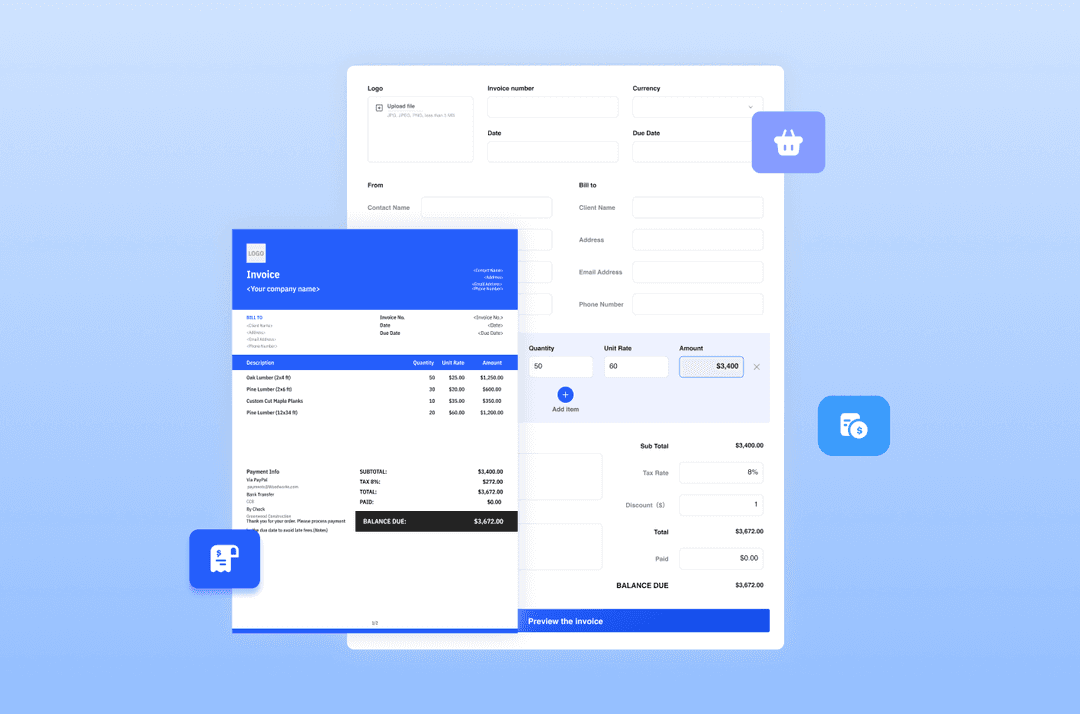
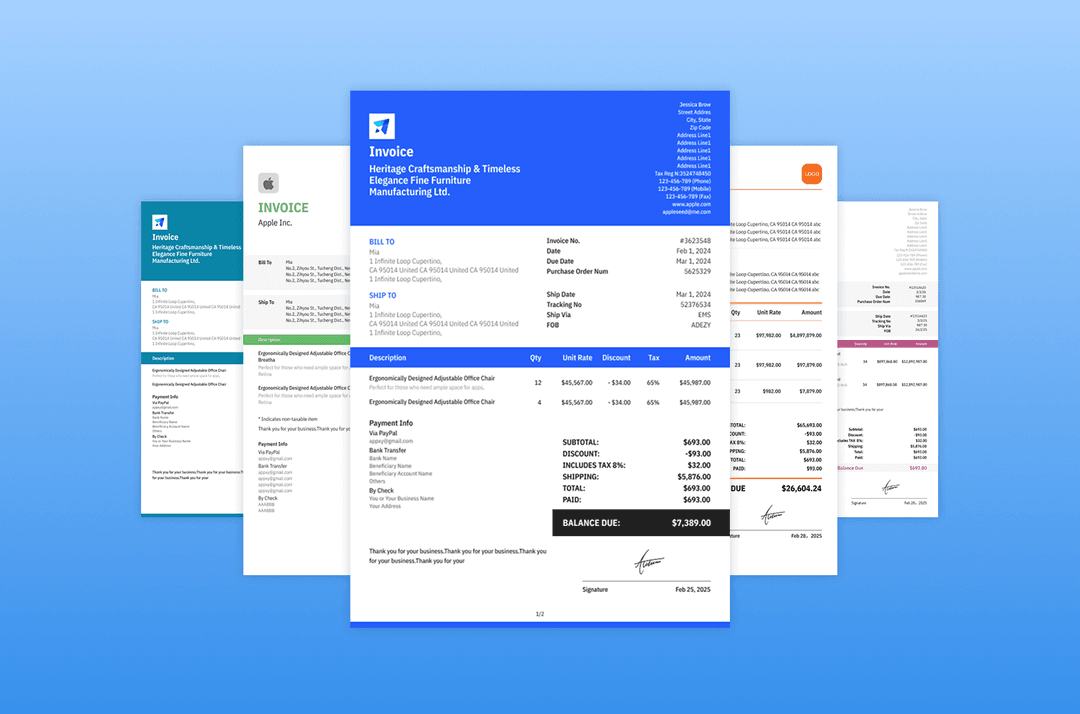
project, or type, this feature helps you maintain accurate financial records, simplify reporting, and generate invoices more quickly
and conveniently.
How Expense Management Works
in Mundoeditora?
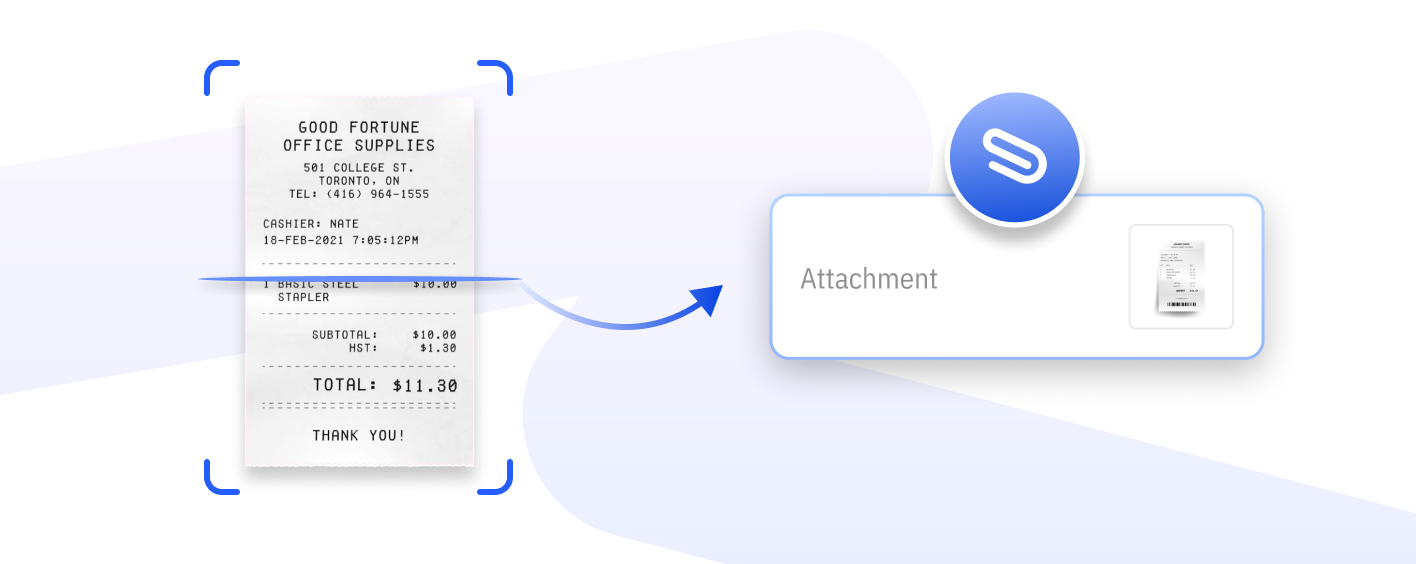
Scan Receipts Directly as Attachments
Instantly capture and store receipts as digital attachments, eliminating lost paperwork.
Assign Expenses to Specific Clients
Allocate expenses to the right clients to ensure accurate project billing and reporting.

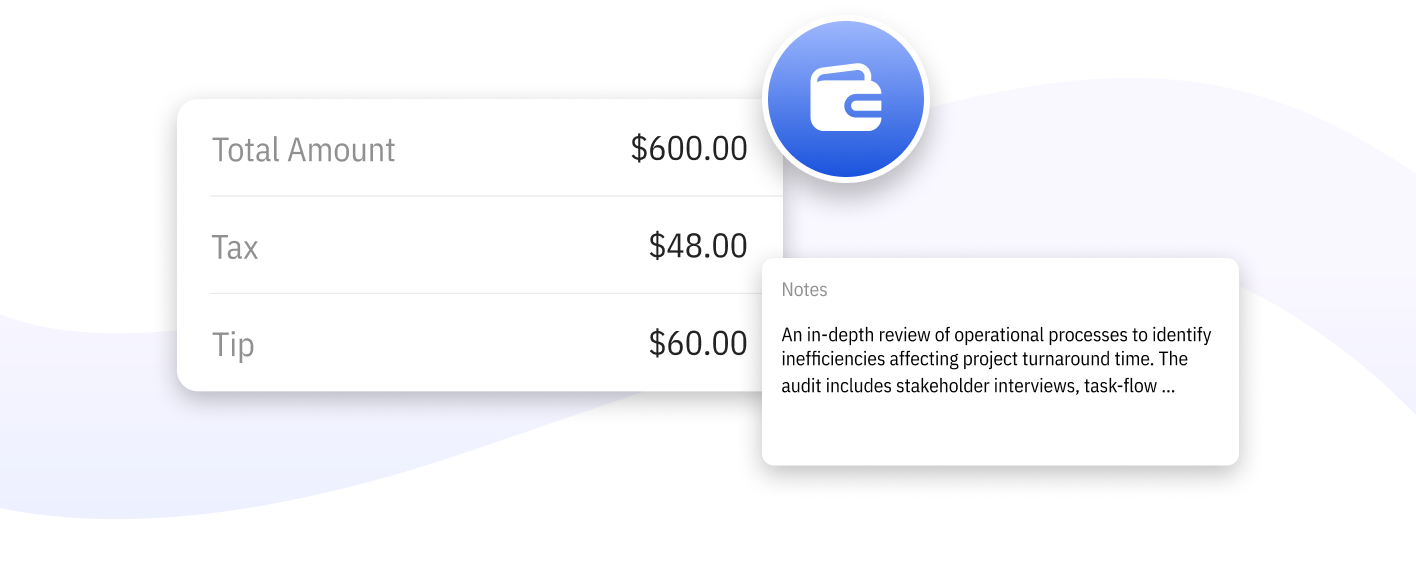
Add Details to Every Expense
Include additional information such as categories, taxes, and vendor names for precise tracking and reporting.
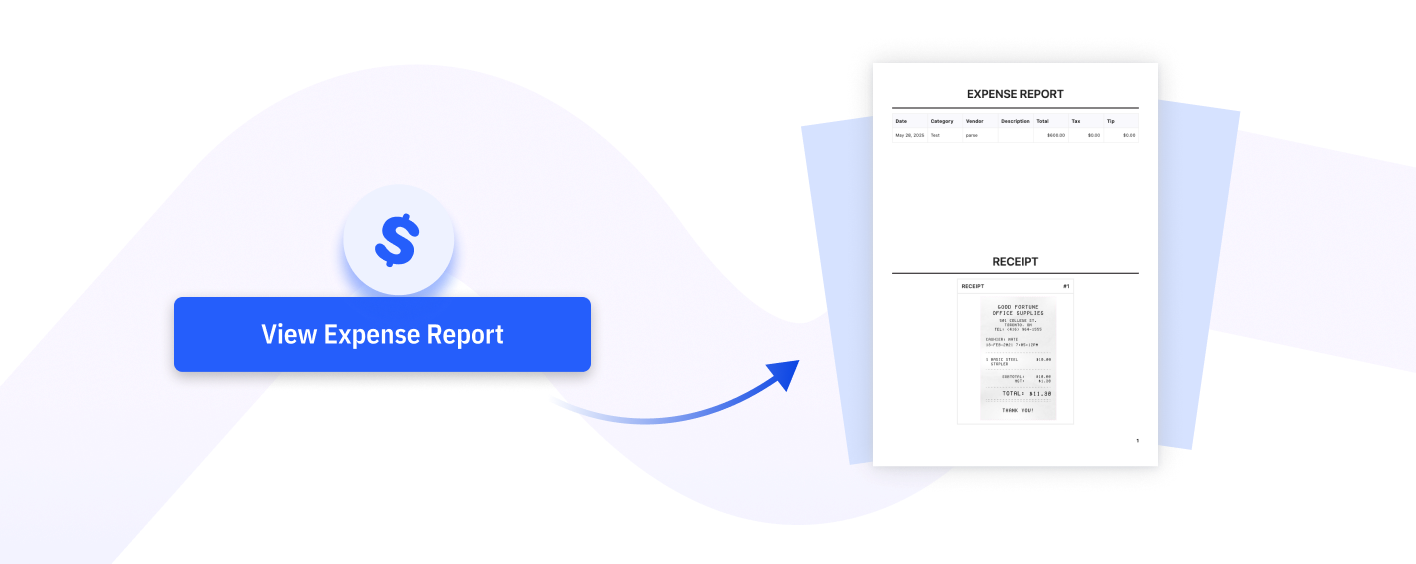
Generate and Export Expense Report
Create detailed expense reports in just a few clicks, organized by date, category, or client. Export them instantly for accounting, tax preparation, or easy sharing with your accountant or team.

Keep All Expenses Organized and Trackable
Ensure every cost is accounted for and easy to retrieve at any time.
Simplify Tax and Reporting Tasks
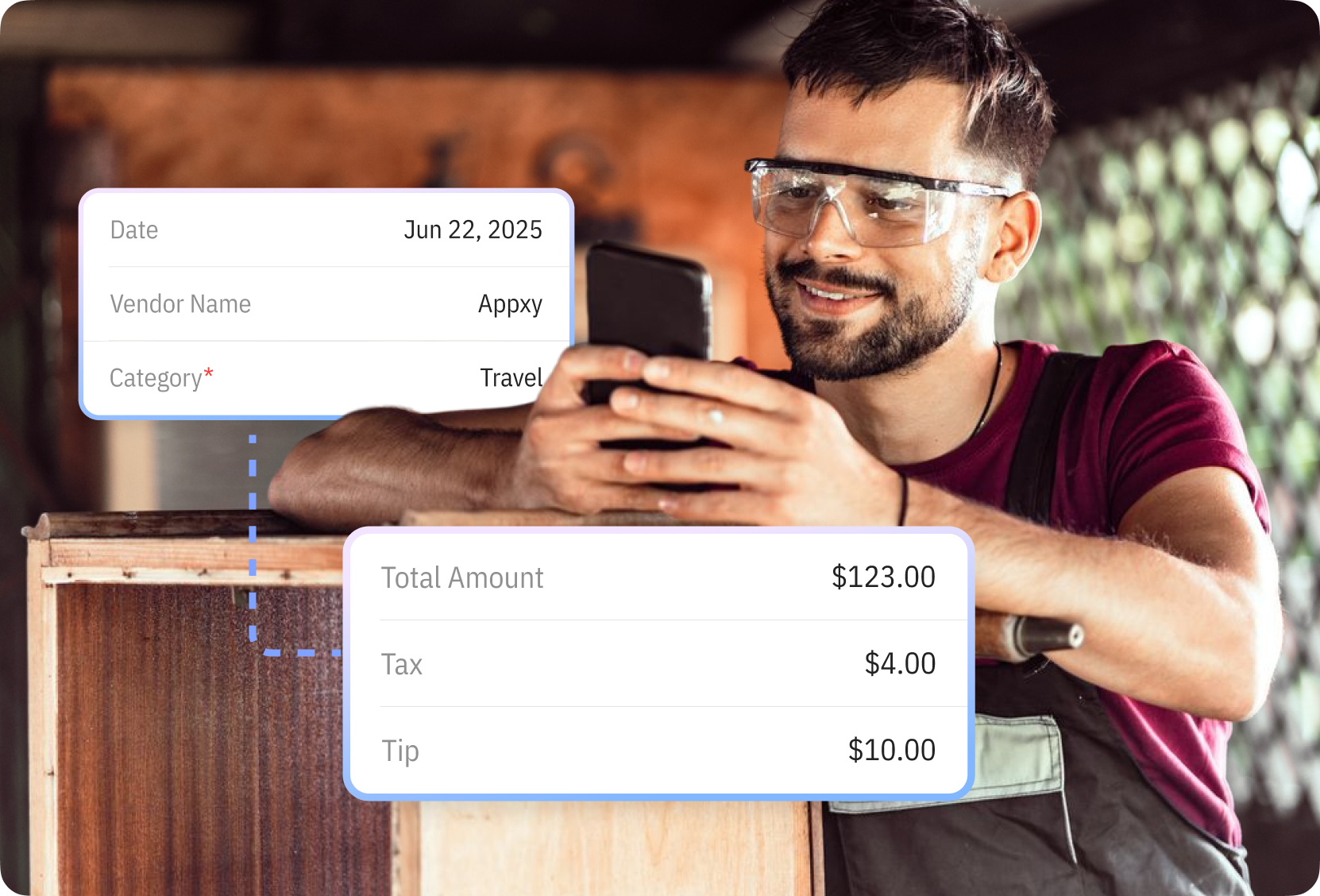
Store item-specific tax rates, units, and categories to avoid errors and ensure every invoice reflects accurate pricing.

Save Time Managing Receipts and Costs
Track sales performance by product or service to see what sells best. Use this insight to adjust pricing, improve offerings, or focus on high-demand work.
Do More with Mundoeditora’s Free Resources
Start by generating invoices with our Free Invoice Generator, explore free online tools, and discover tips to manage
and grow your small business.

Try Mundoeditora Today
Start Sending Invoices, Building Reports, Saving Office
Time and Get Paid Faster.