
Keep Your Cash Flow in Check with
Payment Tracker
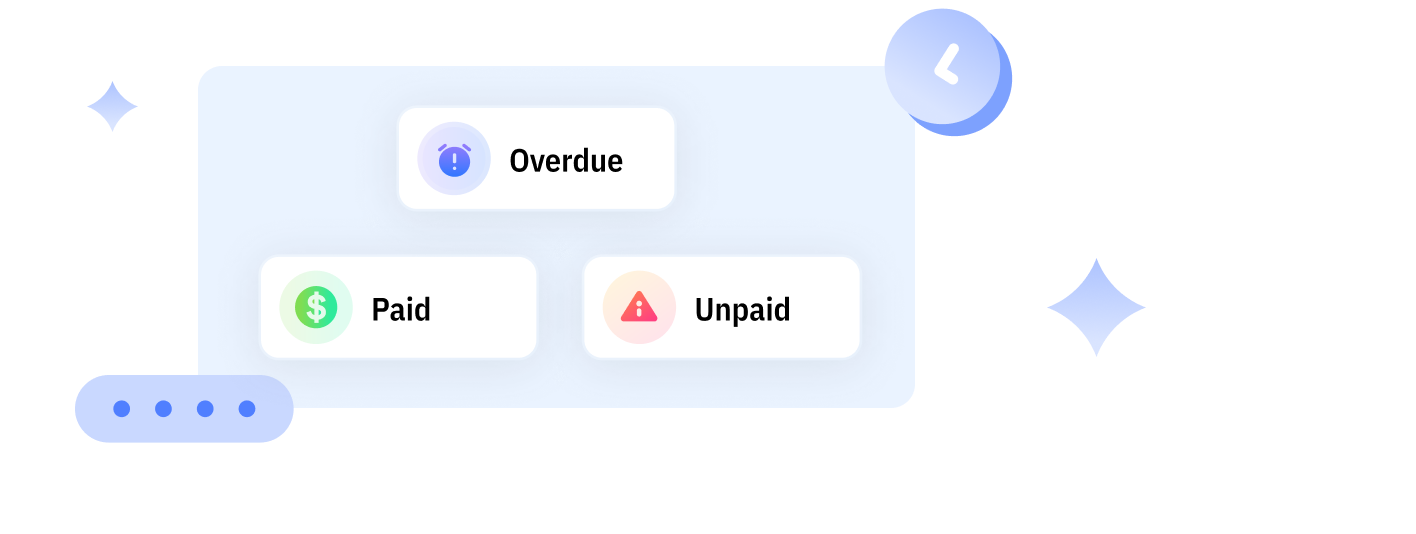
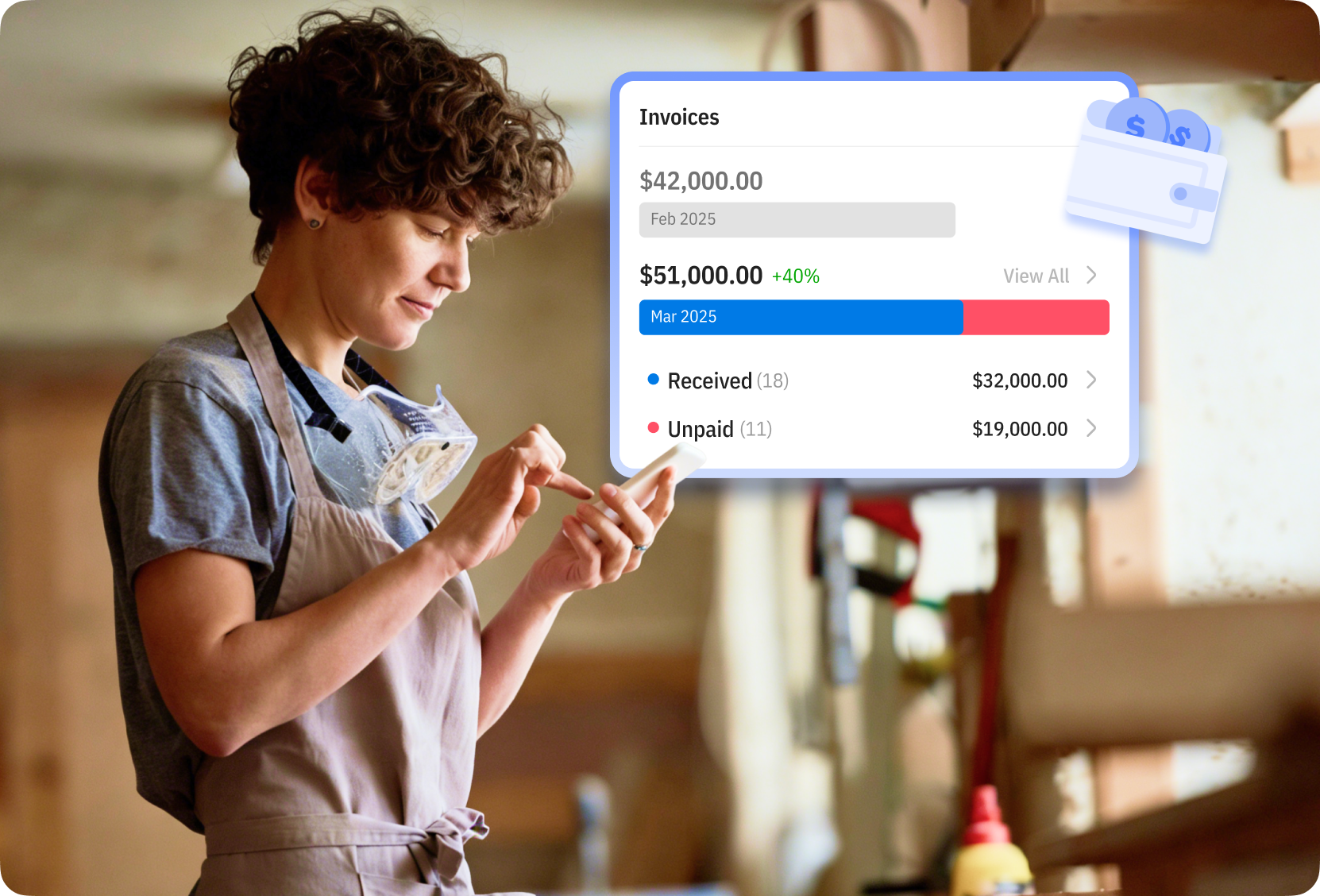
Stay organized and never lose track of your payments. See which invoices are paid, pending, or overdue at a glance.
How Payment Tracking Works in Mundoeditora?
Update Payment Status Anytime
Mark invoices as paid, pending, or overdue whenever a payment comes in. Keep your records accurate and always know where your money stands.
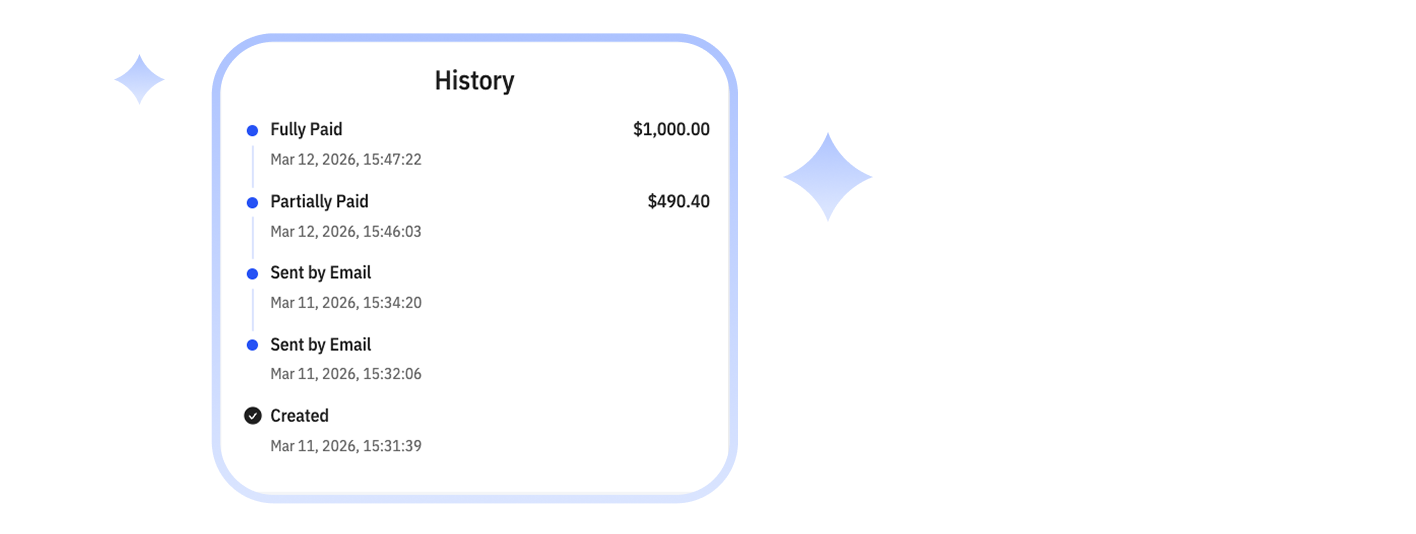
Track Payment History
View the full history of payment status changes for every invoice. Stay transparent and avoid confusion about when and how payments were recorded.
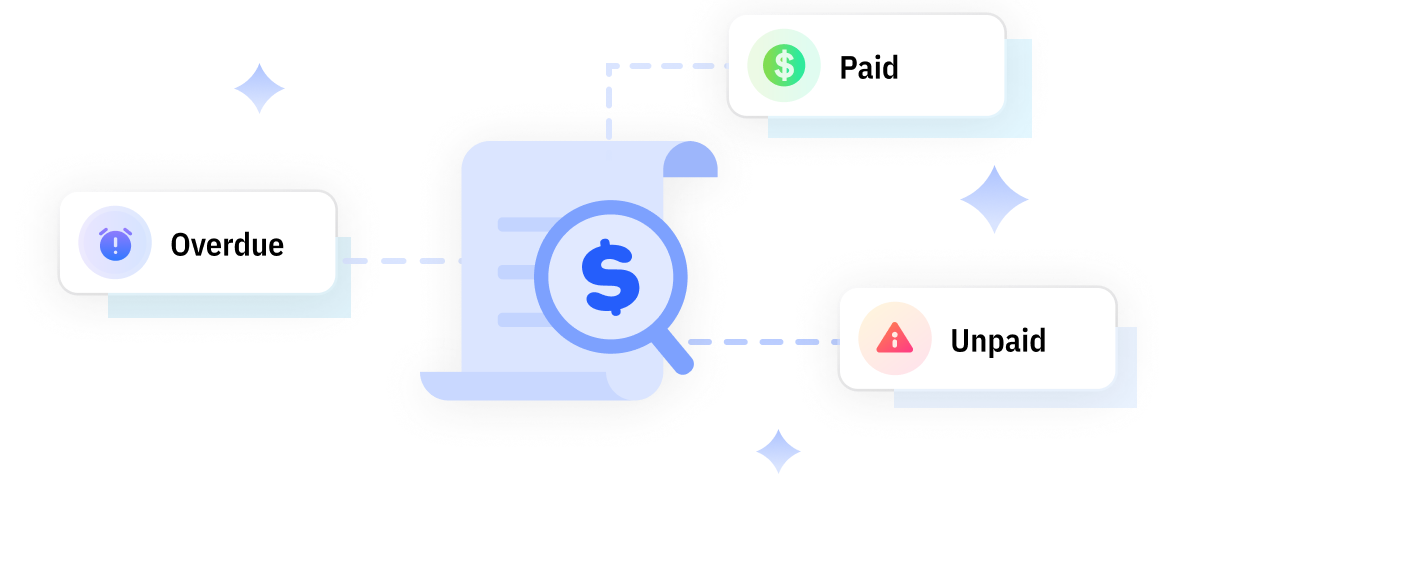
Filter Invoices by Payment Status
Quickly filter invoices by paid, unpaid, or overdue status. Find what you need in seconds without scrolling through long lists.
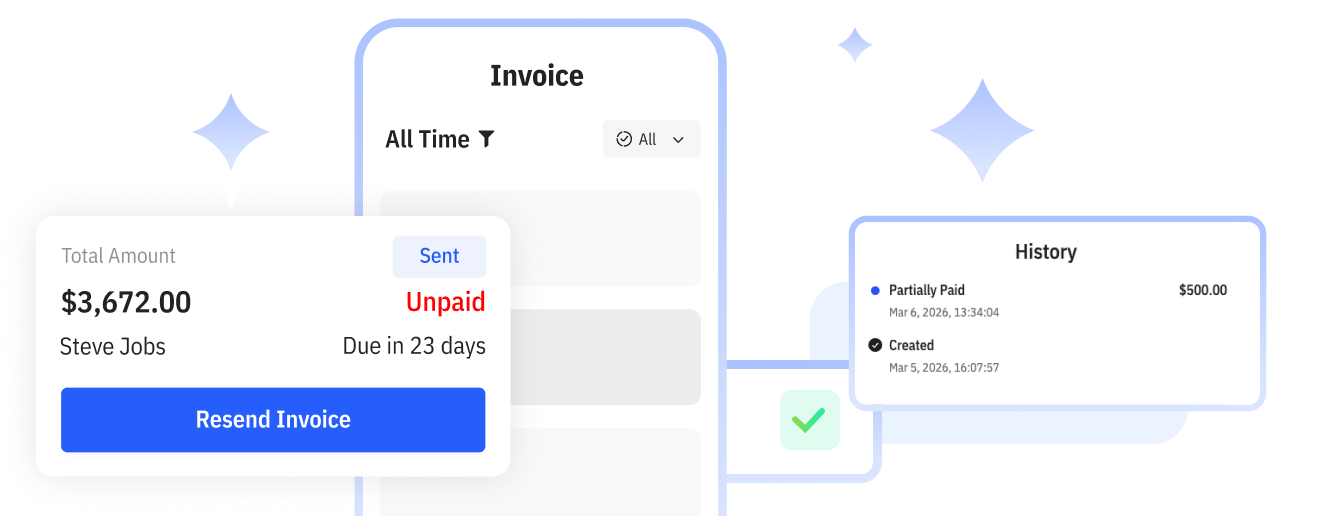
Support Partial Payments
Record full or partial payments with ease. Keep track of outstanding balances without creating extra invoices.
Keep Your Cash Flow Clear and Predictable
Always know which invoices are paid, partially paid, or overdue. With a clear view of your payment status, you can plan expenses, pay suppliers on time, and avoid cash flow surprises.
Spend Less Time Chasing Late Payments
Instead of manually checking every invoice, quickly filter overdue accounts and follow up with the right clients. Save time on admin work and focus more on getting real work done.


Stay Prepared for Client Questions
With full payment history and status records, you can confidently answer questions about balances, due dates, or past payments—reducing misunderstandings and protecting your professionalism.
Do More with Mundoeditora’s Free Resources
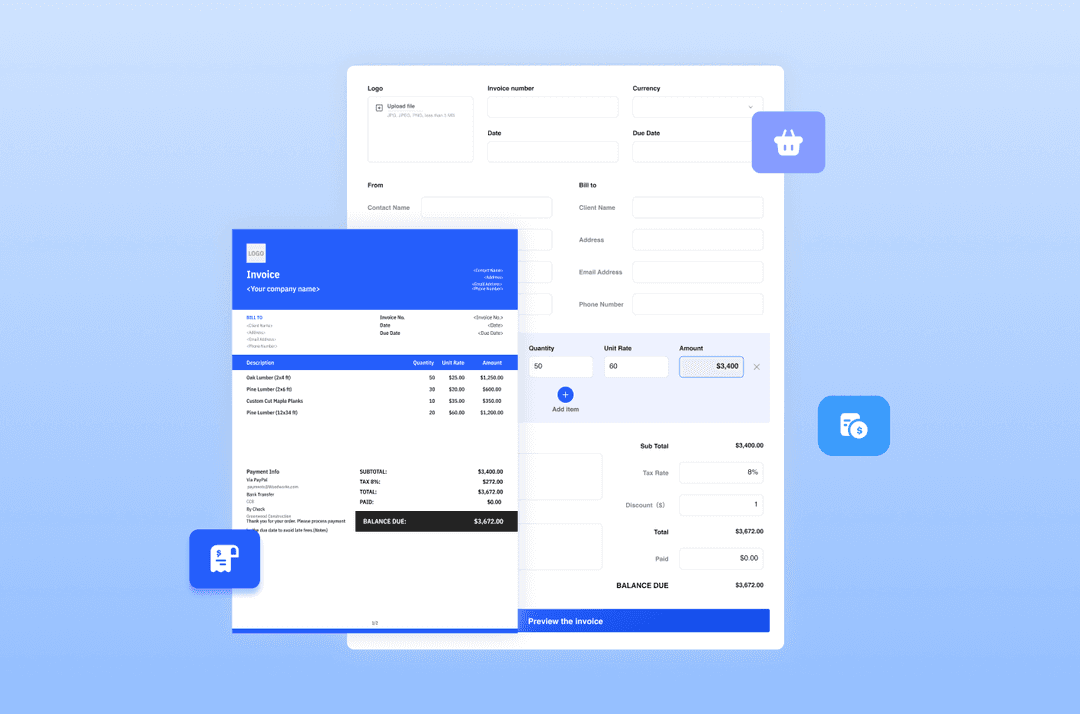
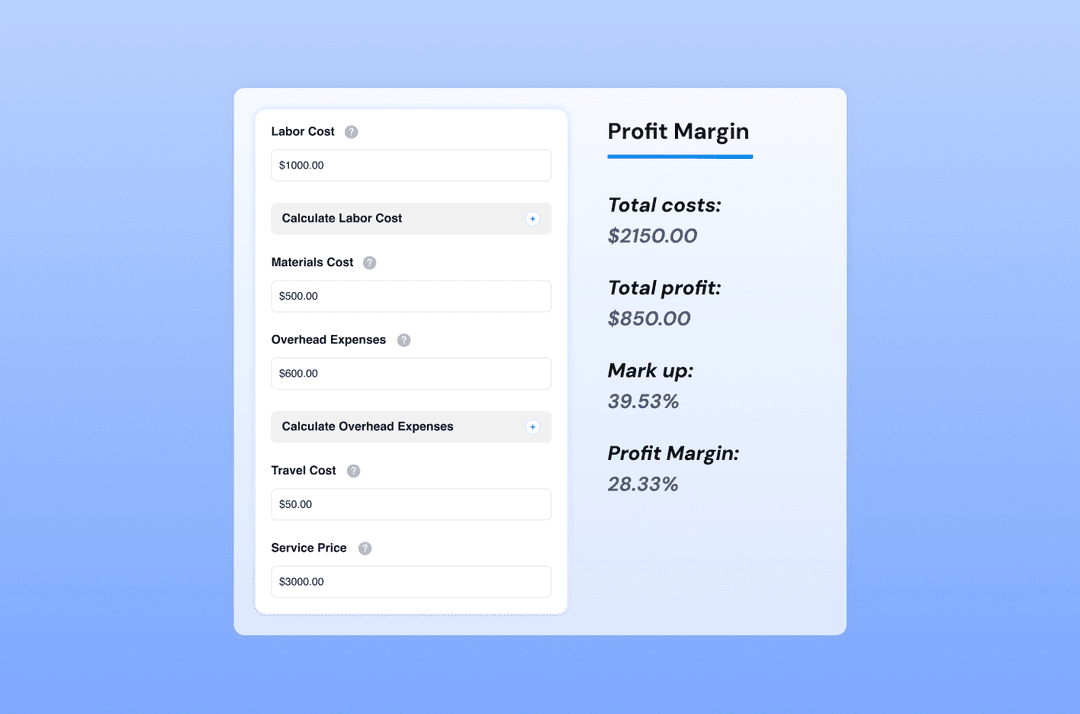
Start by generating invoices with our Free Invoice Generator, explore free online tools, and discover tips to manage
and grow your small business.

Try Mundoeditora Today
Start Sending Invoices, Building Reports, Saving Office
Time and Get Paid Faster.